
How to set up your ChatGPT business profile
Open Business Hub in the ChatGPT sidebar, find your business, prove you control it, pass an identity check with Persona, then fill in your category, description, contact details, photos, address and hours. It is free. OpenAI launched it on 10 November 2026 as “Businesses in ChatGPT”, in beta.
1. What the profile is
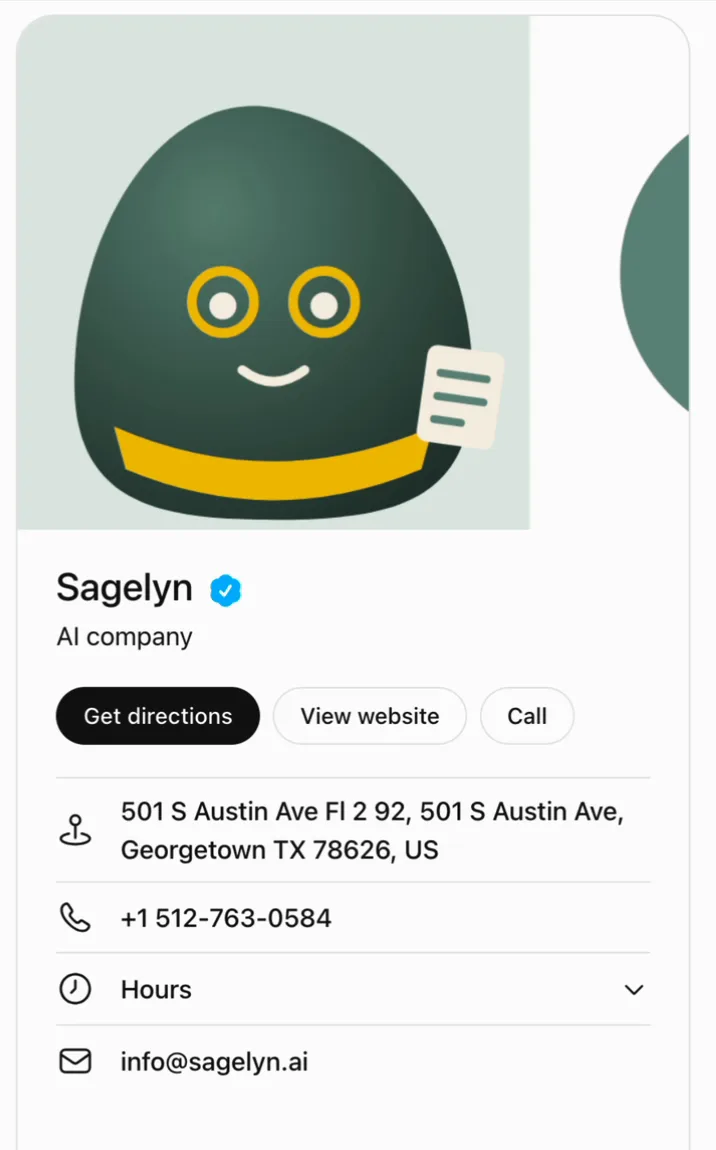
When ChatGPT names a business in an answer, people can click the name and open its profile: name, category, address, phone, hours, website and photos, with buttons to get directions, visit the website or call. Claiming the profile lets you control what that page says.
- It does show your details with a blue check once you are verified, and it unlocks Insights.
- It doesn't raise how often ChatGPT names you. OpenAI's help page says claiming “doesn't guarantee increased visibility”, and that ads don't influence ChatGPT's own answers.
- Who can claim: the owner or someone authorized to represent the business. Businesses with a website can claim where ChatGPT is available. Local stores and restaurants can currently only claim a listing that already exists in the United States.
2. ChatGPT vs Google Business Profile
If you run a Google Business Profile, Business Hub will feel familiar. These are the differences we could confirm, either on OpenAI's pages or on our own screens. Where we have not seen something, we say so instead of guessing.
| Feature | ChatGPT business profile | Google Business Profile |
|---|---|---|
| Where it shows | When ChatGPT names you in an answer | Google Search and Maps |
| Cost | Free | Free |
| Proving control | Phone code, email code, DNS TXT record or Shopify | Phone, email, video or postcard, depending on the business |
| Identity check | Yes, with Persona, before anything is published | Sometimes, as part of video verification |
| Category | One searchable list, with suggested extra categories | One primary plus additional categories |
| Description | “More about your business”, optional | Yes, up to 750 characters |
| Hours | Per day, with a business time zone | Per day, plus special and holiday hours |
| Reviews | Not seen in Business Hub | Yes |
| Insights | Mentions, profile views, website clicks, discovery topics, over 7 or 28 days | Searches, views, calls, direction requests, website clicks |
| Website check | Shows whether ChatGPT can read your website | No equivalent |
| Chat agent | Business Agent, for eligible ecommerce and online service businesses | No |
3. Before you start
Have these ready. The identity check stops if any of them don't match.
- A ChatGPT login the business controls, not a personal one you might lose.
- Access to the business phone, a business email on your own domain, or your domain's DNS settings.
- A government ID for the person managing the profile.
- Your business registration details: legal name, address and registration or tax number, exactly as on your official records.
- A logo, three to six photos, your opening hours and a two-sentence description.
4. Claim and verify
- Open Business Hub and find your business. In ChatGPT, open Business Hub from the sidebar and search by name. Pick the matching listing and confirm which ChatGPT account will manage it.
- Prove you control it. ChatGPT offers the methods available for your listing: a code to the business phone, a code to a business email, a TXT record on your domain, or connecting your Shopify store. OpenAI reviews the claim and emails you a decision.
- Pass the Persona identity check. The legal name, address and registration or tax number must match your official records. Nothing is published until this is approved.
5. Fill in every field
Click Edit on your business to open Edit business details. It has five tabs: About, Contact, Photos, Location and Hours. A preview of your public profile updates on the right as you type.
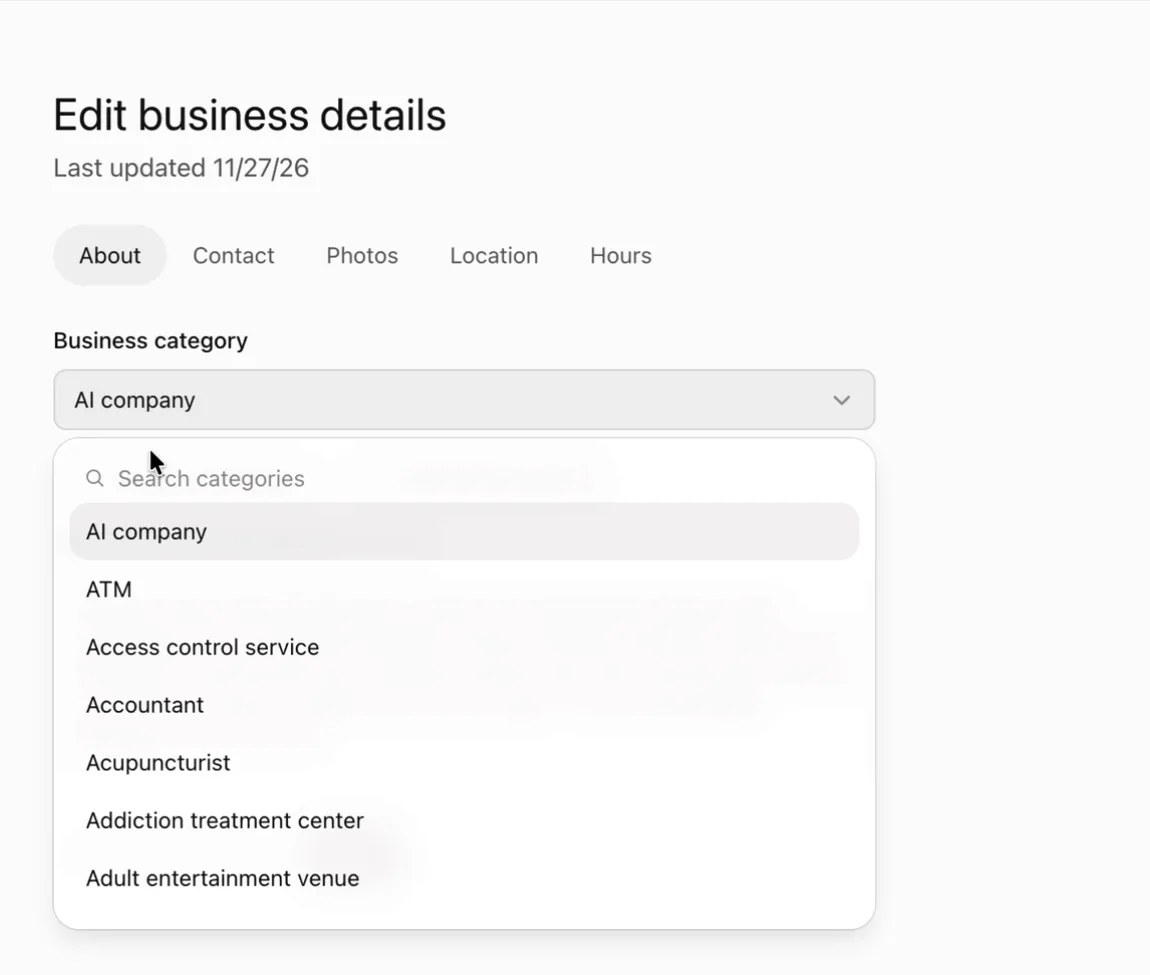
Category
Search the list and pick what you mainly sell, in the words a buyer would use. Below the box, ChatGPT suggests extra categories. Add the ones that are also true. We picked AI company first and added marketing agency as an extra, because we sell software first and services second.
Description
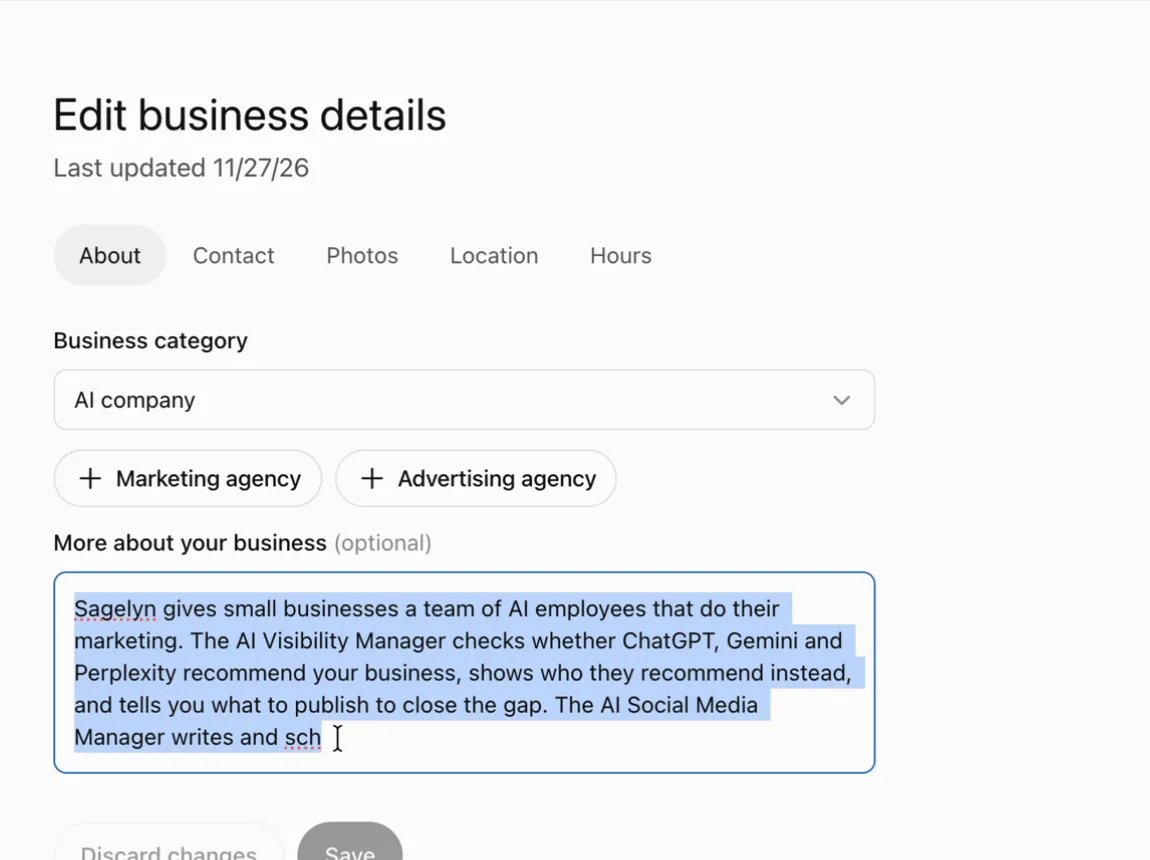
The field is called “More about your business” and it is optional. Fill it in anyway. Say what you do, who for, where, and what it costs, in plain words. Don't claim anything your product can't do today: ChatGPT reads your website too, and a profile that disagrees with it helps no one.
Contact
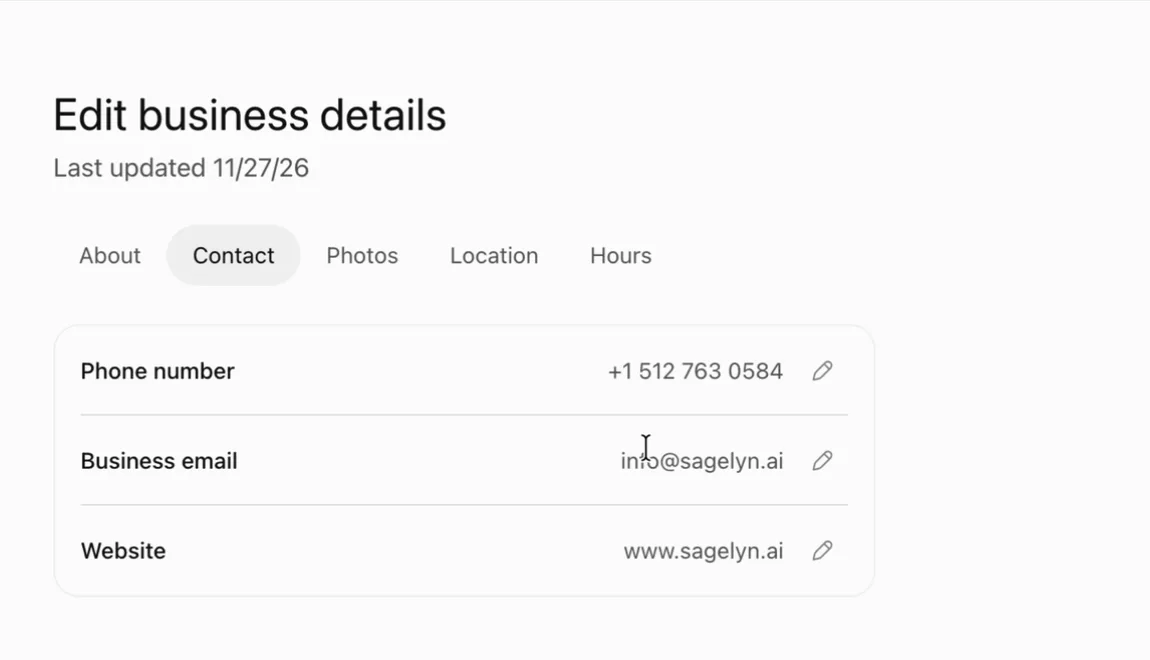
Phone, business email and website. Use exactly the same ones as on your website and your Google profile.
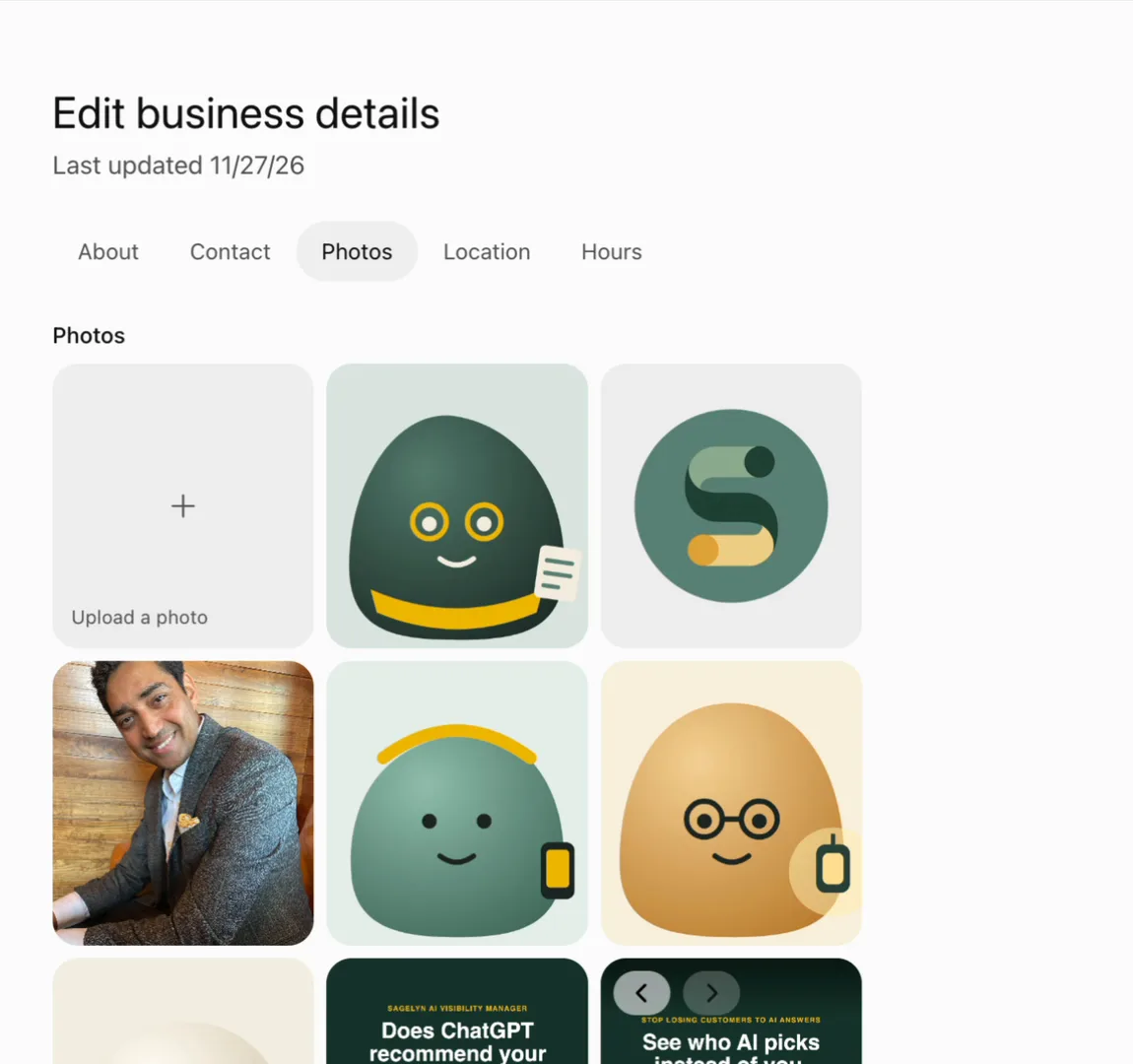
Photos
Photos show as small squares, so a screenshot full of small text is unreadable. Use one clear subject, or one big line of text. Upload only images you own.
Location and hours
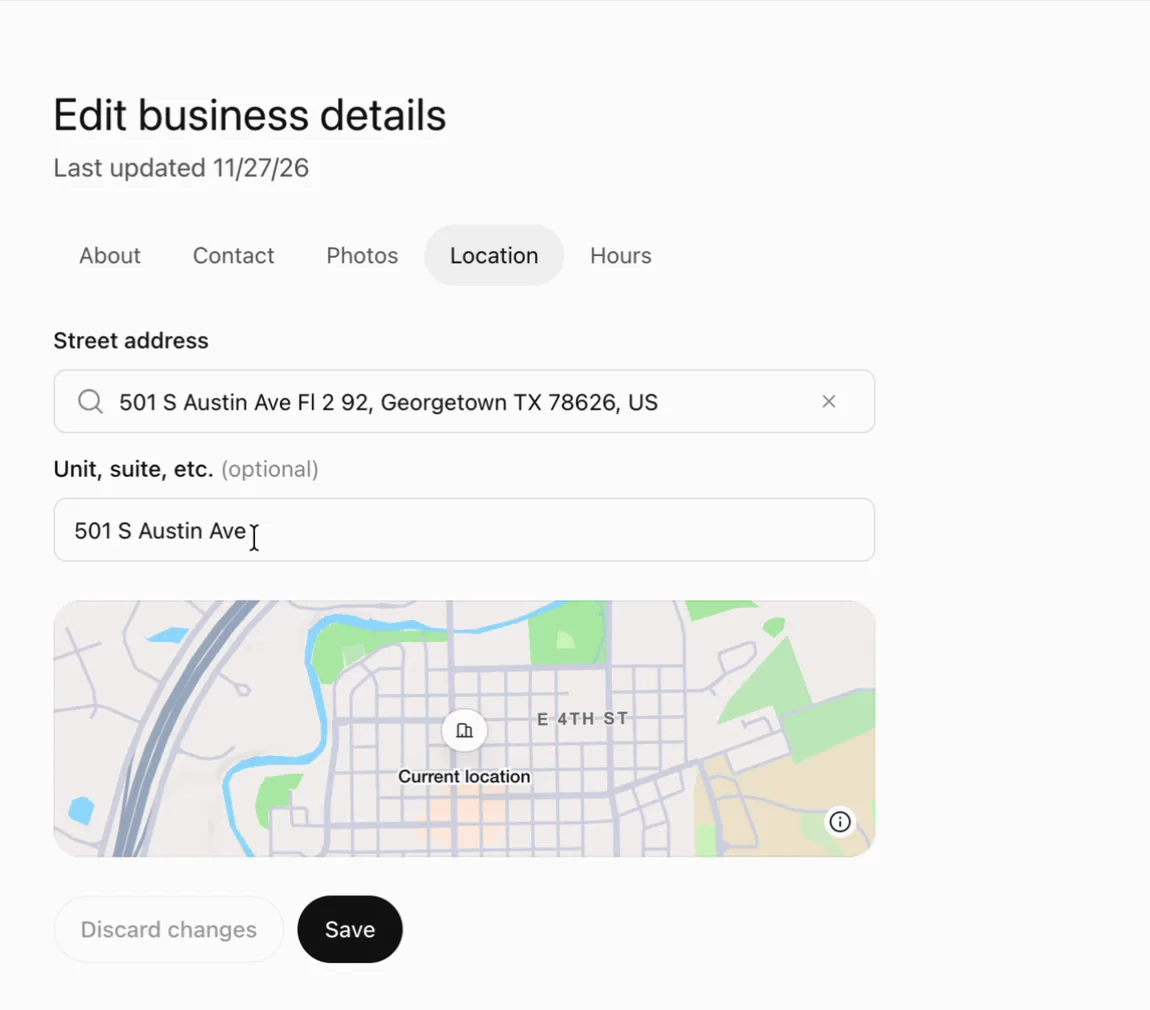
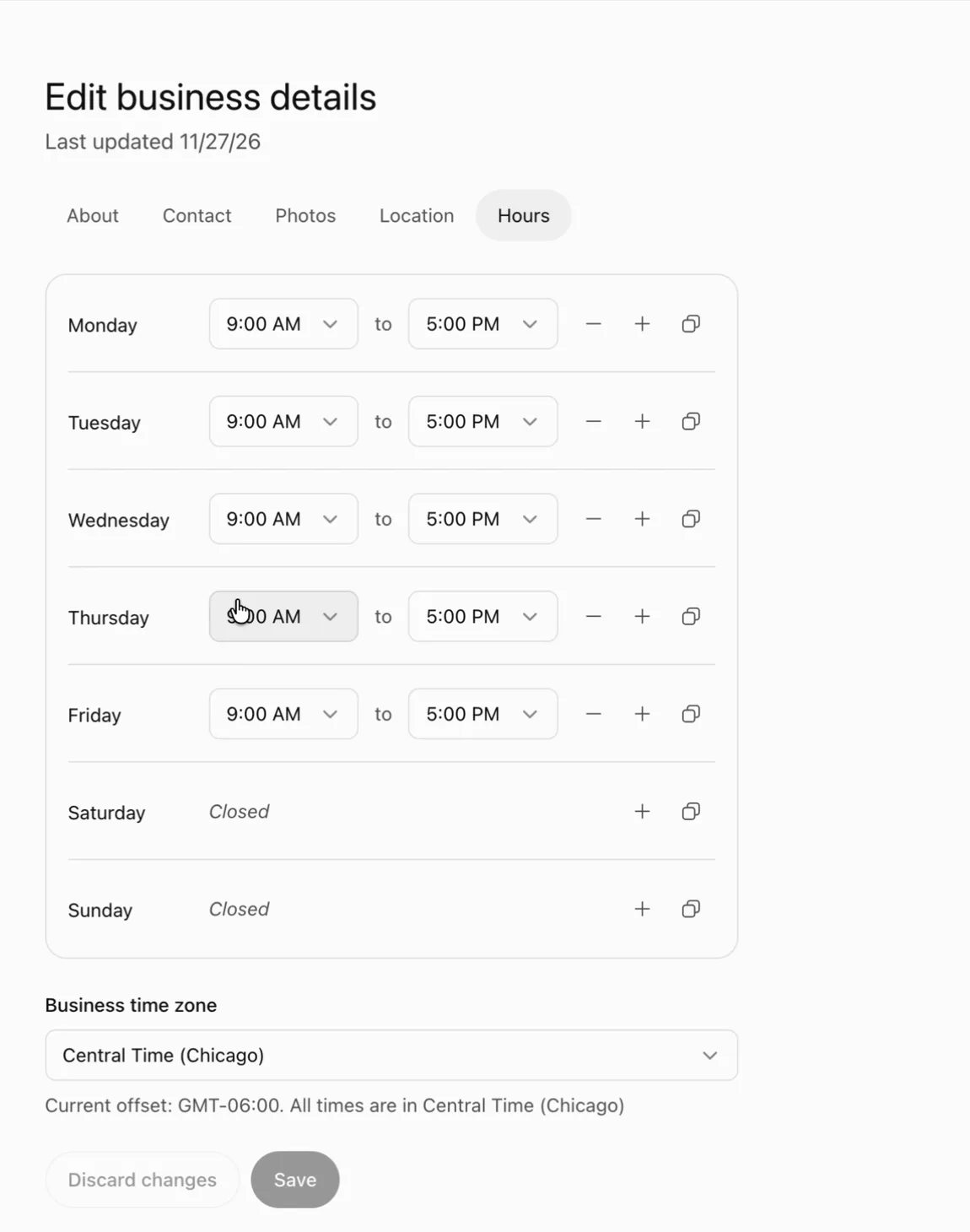
Search your street address, add the unit if you have one, and check the pin on the map. Then set hours for each day, mark closed days, and pick your business time zone.
6. Read your Insights
The overview shows Mentions, Profile views and Website clicks over 7 or 28 days, a Website access status that tells you whether ChatGPT can read your site, and your top discovery topics.
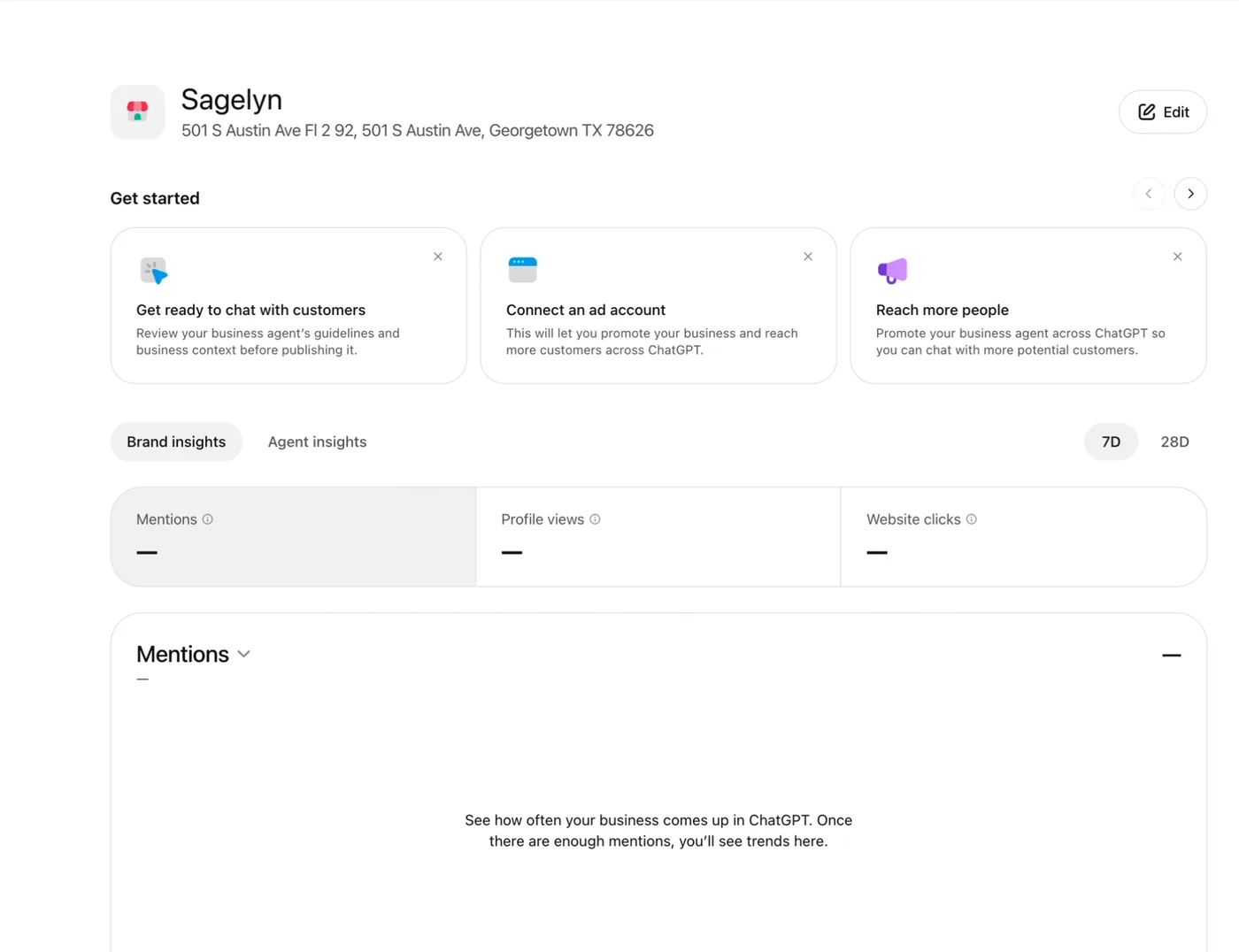
- Mentions count, for an online business, only when ChatGPT references your website. Your name alone doesn't count.
- Blank numbers mean below OpenAI's reporting threshold, not zero.
- Discovery topics are themes, not the exact questions. Each topic your website has no clear page for is a page worth writing.
7. Business Agent and products
- Product feed: stores can upload prices and availability, or connect an existing Shopify catalog.
- Business Agent: answers questions about your business in a clearly labeled chat, separate from ChatGPT's own answers. It can't take payments, bookings or check orders. Only eligible ecommerce and online service businesses get it.
- Preview the agent with the questions customers really ask before you publish it.
8. What we learned on our own
- The category decides who clicks. A marketing agency category first would have told people we are a service. We set what we mainly sell first.
- A small PNG would not upload. A 522 pixel wide PNG failed with no reason given. The same image as a 1,200 pixel JPG went through.
- The legal name is not your branding. We trade as Sagelyn under a different registered name. The registered name goes only in the legal name field, for the Persona check.
- A finished profile can still show blank Insights. Ours did. A verified profile doesn't create mentions.
9. What decides if ChatGPT names you
The profile is the page after the click. Whether there is a click depends on whether ChatGPT names you at all. We measure that for a living, and two of our studies say the same thing: the engines recommend the businesses whose own websites they read.
Sources: AI recommends the businesses whose websites it reads and our Austin dentist study. So the work that raises your Mentions number is on your website:
- Pages that answer the questions buyers ask, with the question as the heading.
- Structured data that states what you do and where.
- No robots.txt rule blocking GPTBot or other AI crawlers. Business Hub's Website access status should say confirmed.
- Mentions on other sites: local press, directories, suppliers.
10. Mistakes to avoid
- Claiming with a personal ChatGPT login that leaves with an employee.
- Putting the registered legal name where customers see your business name.
- A description, phone or address that doesn't match your website and Google profile.
- Screenshots full of small text as photos.
- Expecting the profile alone to bring mentions.
11. Common questions
Is a ChatGPT business profile free?
Yes. OpenAI says you don't need an Ads account or a ChatGPT Enterprise agreement to claim an eligible business. It is also not the same thing as ChatGPT Business, the paid plan companies buy for their staff.
Does claiming my profile make ChatGPT recommend my business more?
No. OpenAI says claiming doesn't guarantee more visibility and gives you no direct control over ChatGPT's own recommendations. The profile is what people see after ChatGPT has already named you. Being named still depends on what ChatGPT finds about you on the web.
Can a local business claim a ChatGPT business profile?
A business with a website can claim through Business Hub wherever ChatGPT is available. For local stores and restaurants, OpenAI's help page says you can currently only claim a listing that already exists in the United States.
How do I verify my business on ChatGPT?
Twice. First you prove you control the business, by a code sent to the business phone or email, a TXT record on your website's domain, or by connecting your Shopify store. Then the person managing the profile passes an identity check with Persona, OpenAI's verification partner. The blue check appears after the Persona check is approved.
Why is my ChatGPT Insights page blank?
OpenAI only shows numbers above a reporting threshold, so a blank number can mean too little activity or data still being collected, not zero. For an online business a mention is only counted when ChatGPT references your website. Your business name on its own doesn't count.
What is a Business Agent in ChatGPT?
An optional agent that answers questions about your business inside ChatGPT, in a clearly labeled chat separate from ChatGPT's own answers. It explains your products and policies and links to your website. It can't complete purchases, make bookings or check orders. It is limited to eligible ecommerce and online service businesses.
Sources
Rules of the product come from OpenAI's own pages, read on 27 November 2026: Setting up your business on ChatGPT, Introducing Businesses in ChatGPT, Claim your business and the Businesses in ChatGPT policy. Screenshots are of Sagelyn's own Business Hub, the same day. The feature is in beta, so check OpenAI's pages for the current rules.