30 October 2026
release 10-30-26A weekly Search Console check on your AI Visibility page, the pages of a LinkedIn PDF post on its review card, and business card scans that catch an email domain that doesn't exist before anything is saved and keep the whole card when you use your camera.
See how this week went on Google New
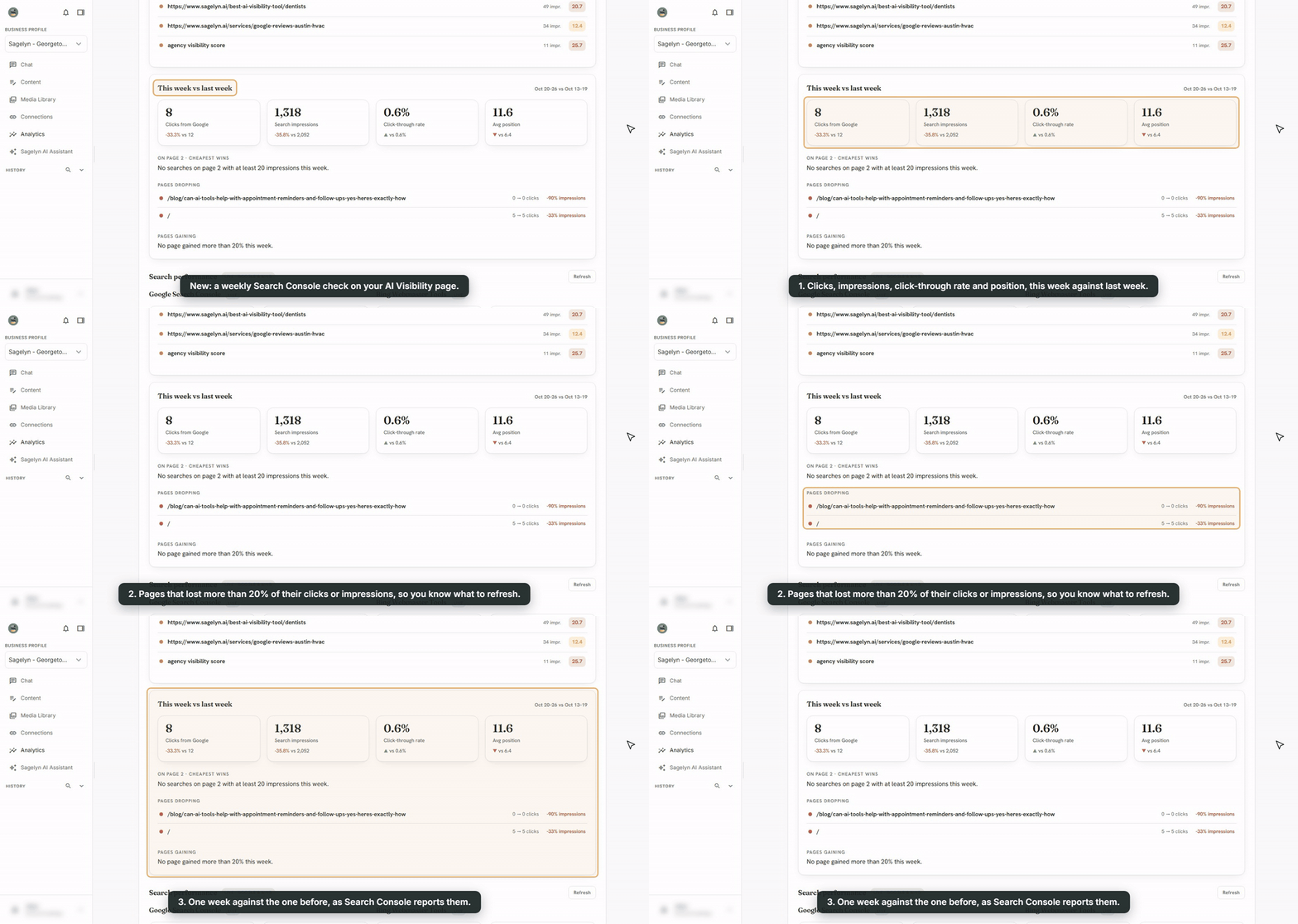
With Google Search Console connected, your AI Visibility tab now compares your latest week on Google with the week before: clicks, impressions, click-through rate and average position, each with last week's number beside it. It lists the pages that lost more than 20% of their clicks or impressions, so you know what to refresh, and the searches sitting on Google's second page, the cheapest ones to push onto page one. The numbers are the ones Search Console reports for each week. If your site doesn't have enough searches yet, it says so instead of showing an empty list. The AI Visibility tab is part of the Pro plan.
See every page of a LinkedIn PDF post before you approve it Improved
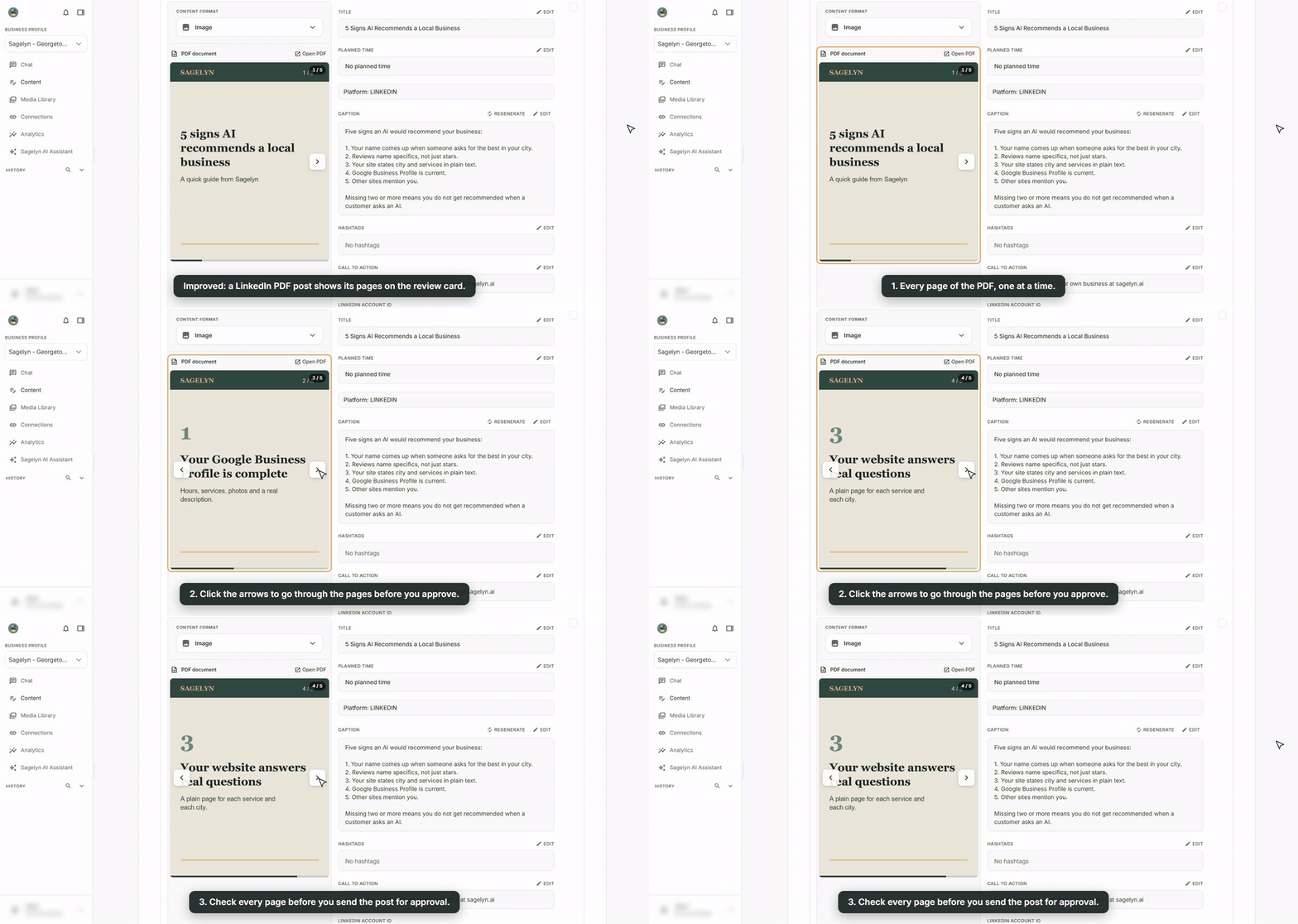
A LinkedIn post with a PDF attached now shows the document's pages on its card under Content, one at a time. Click the arrows to go through them before you approve or send it for approval. Before, the card only showed the PDF as a file.
Business card scans catch a wrong email before it's saved Improved
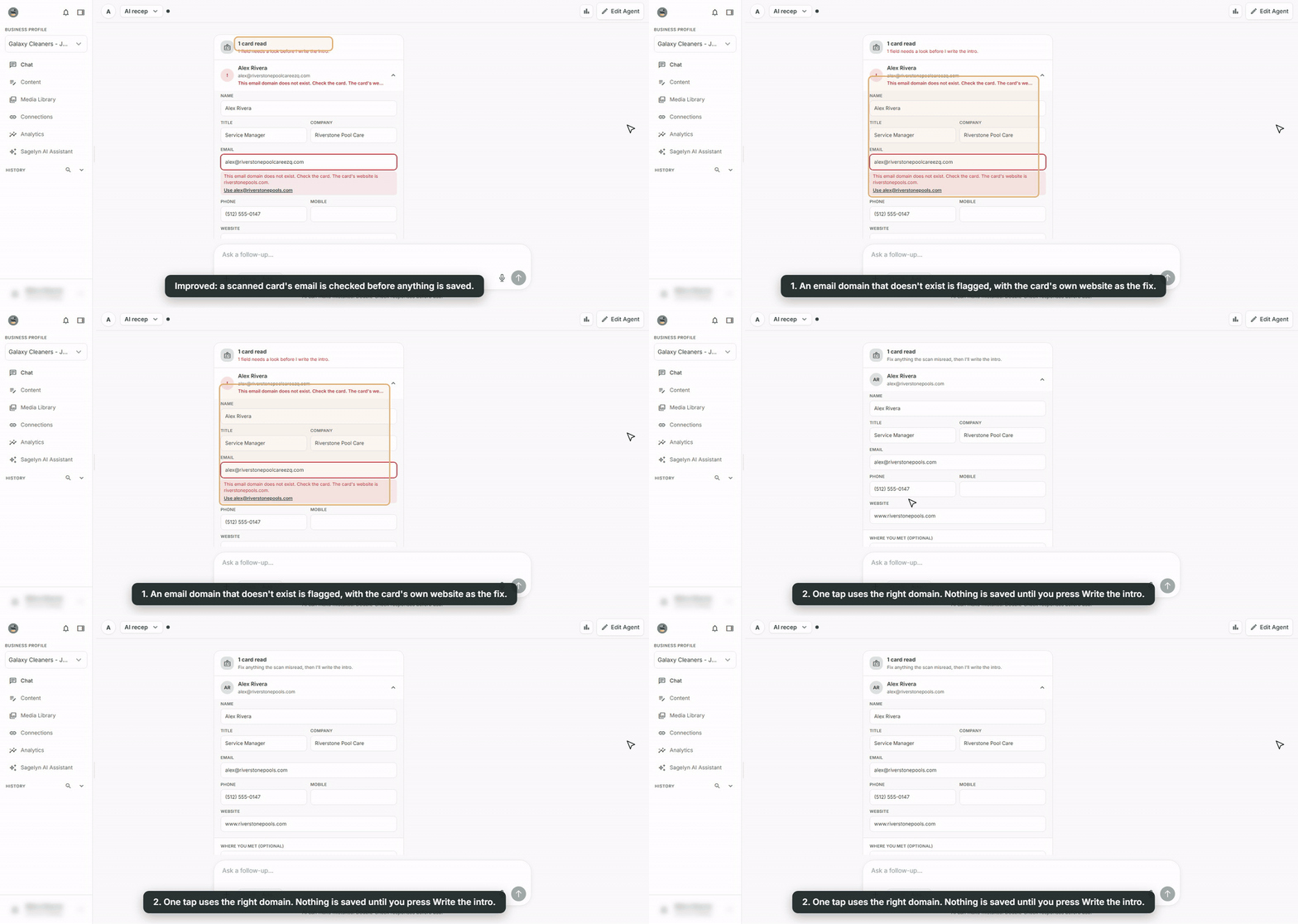
When your AI Receptionist reads a business card, it now checks every email before anything is saved. If the email's domain doesn't exist, so mail to it would bounce, the field turns red. When the card shows a website, one tap uses that website's domain instead. Nothing goes to GoHighLevel until you press Write the intro.
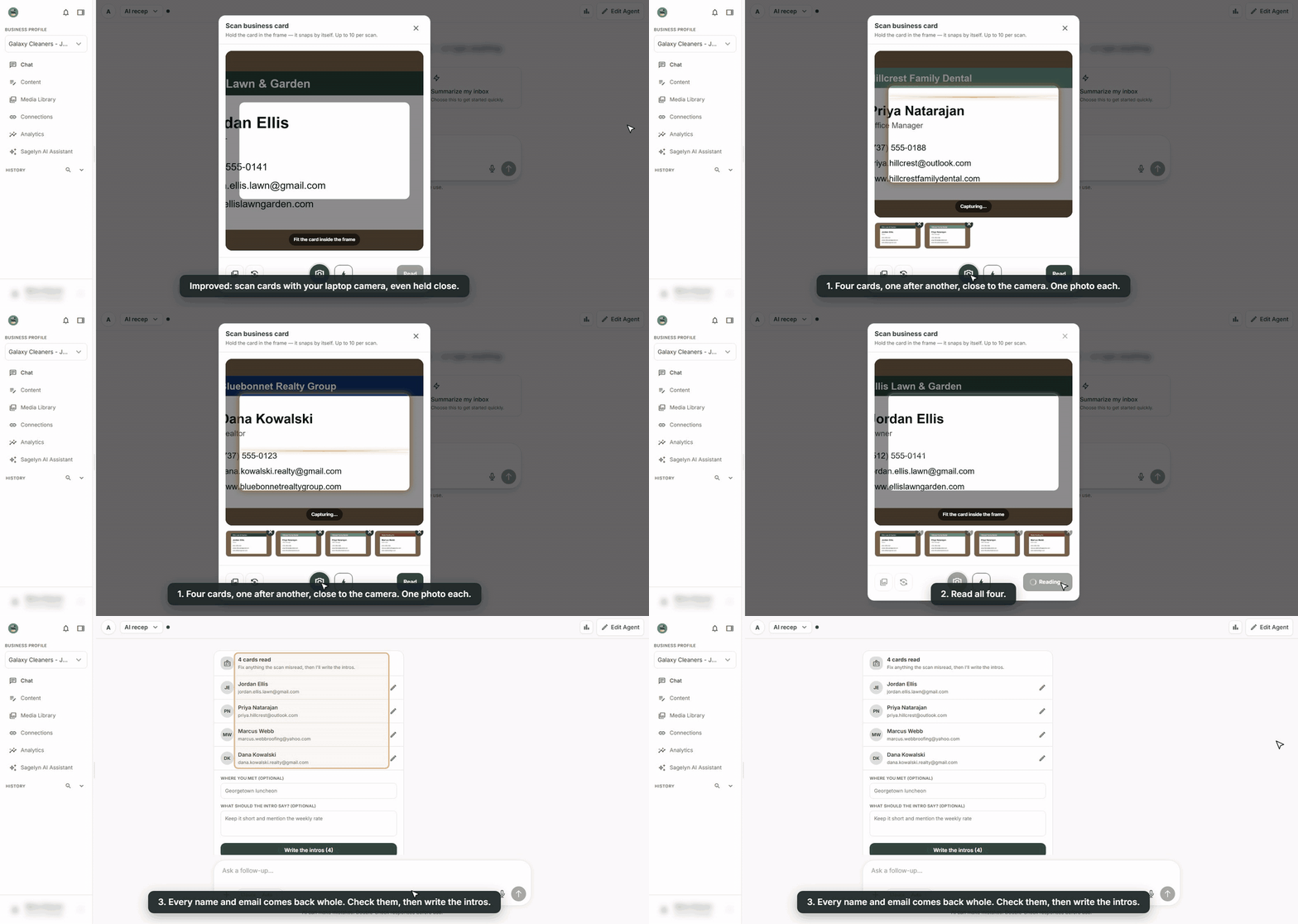
Scanning with your laptop camera now keeps the whole card too. Before, a card held close to the camera could come back with the start of its name or email cut off.