
16 November 2026
release 11-16-26Your AI employees share what they know, Dropbox files that show up in your Media Library on their own, your posts as a list, board or calendar, a Social Media Manager that changes and schedules posts when you ask, your whole week of posts at a glance, your posts emailed to your client for their OK, a Monday email from your AI Visibility Manager, Word, Excel and PowerPoint files in your Media Library, and presentations made and edited just by asking.
Take a quick tour of what's new
Watch Sourav walk through this week's updates in 7 minutes.
Your AI employees now share what they know New
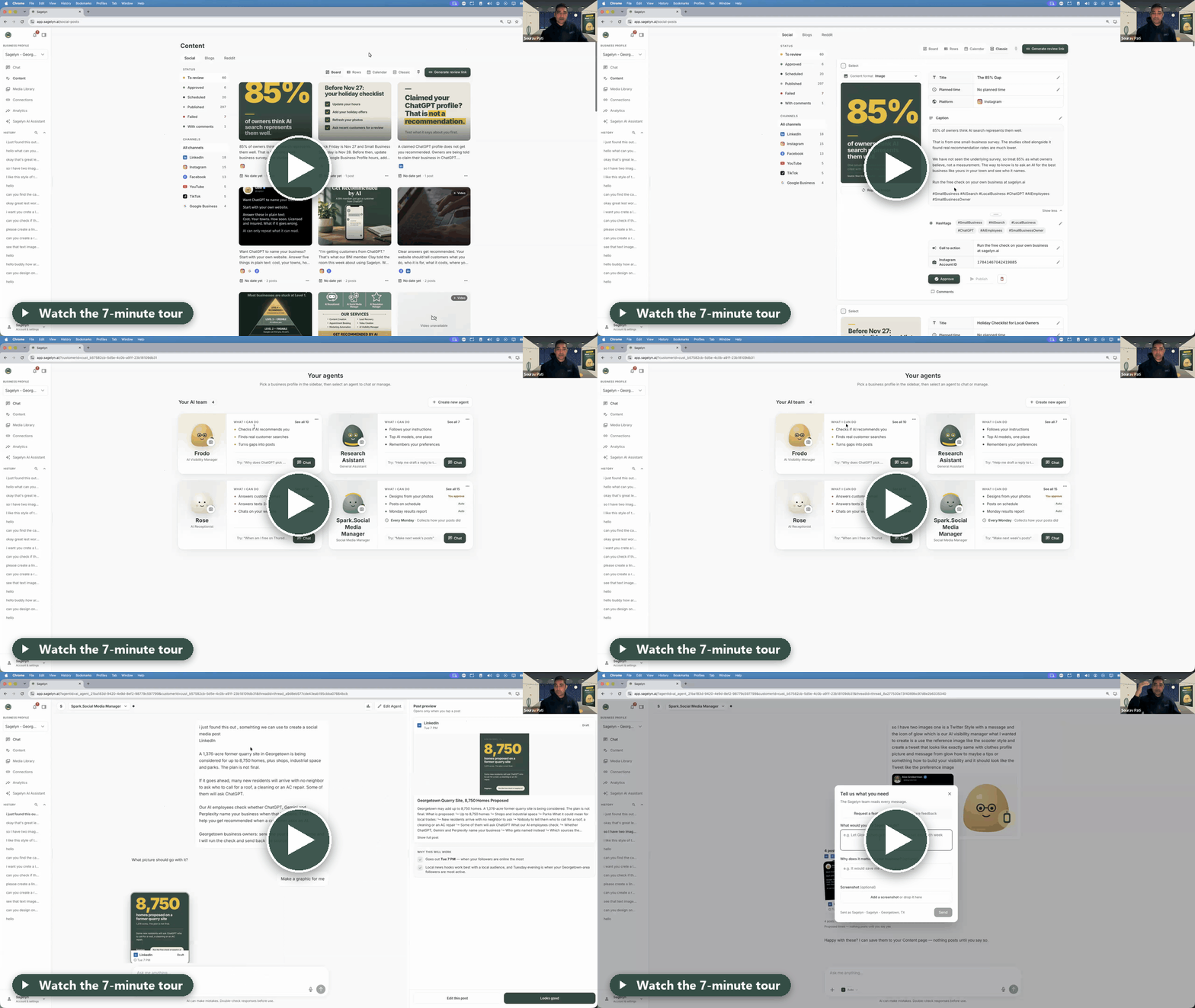
Upload a document once, and all your AI employees can use it. Want some to see only certain documents? Choose who can use each one.
Add any document from your Media Library, including your Dropbox files, in a couple of clicks. No re-uploading.
Your Dropbox photos show up in your Media Library on their own New
On Sagelyn Pro, pick the Dropbox folders you want connected. Every new photo, video and document you add to them appears in your Media Library automatically, and you can bring in the last 30 days' files too.
No more downloading and re-uploading. Your AI employees can use them right away.

View your planned posts in a calendar New
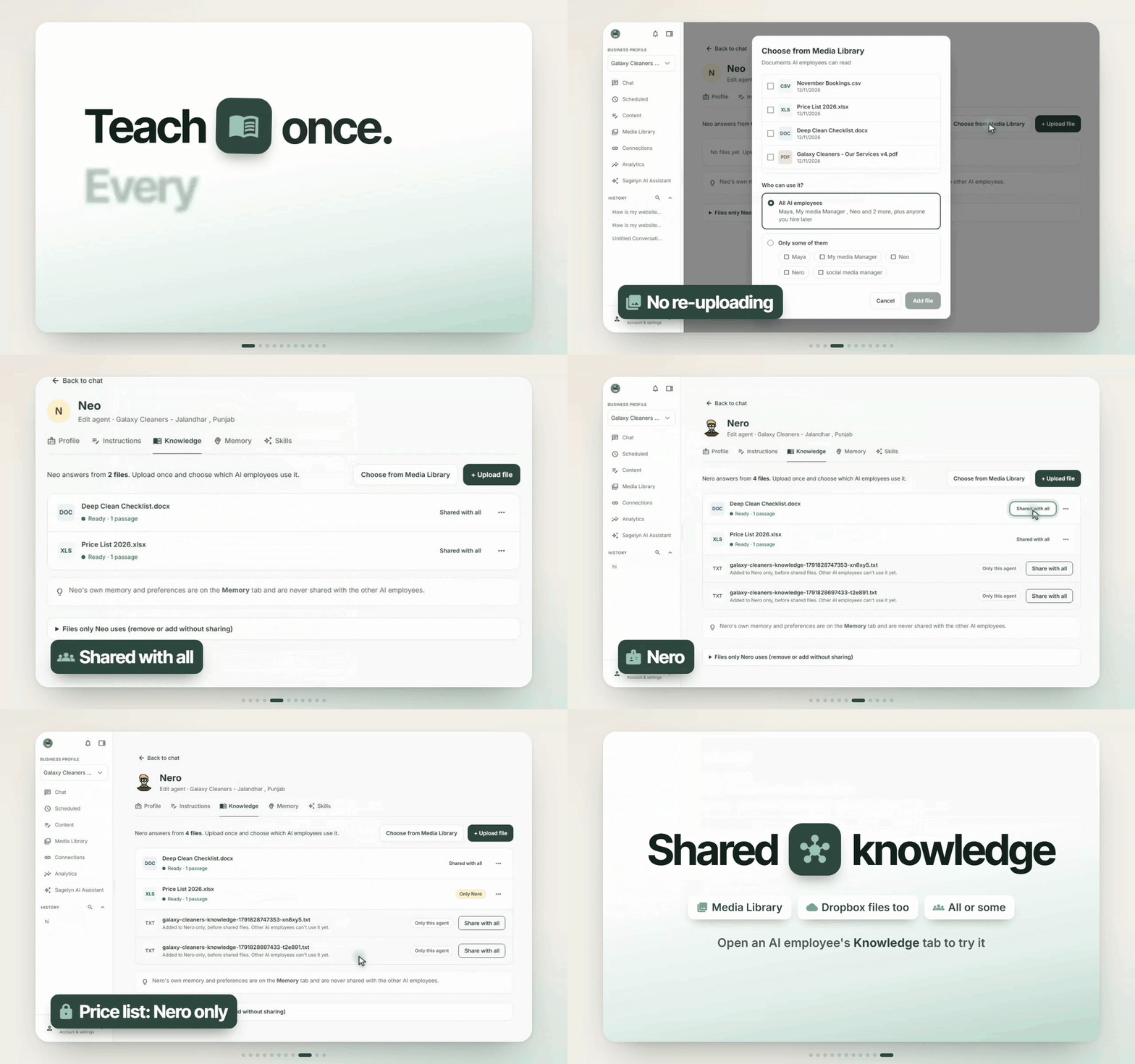
See all your posts as a list, board or calendar, and approve many in one go.
Comment on any post, and your AI Social Media Manager learns from it and gets better.
Your AI Social Media Manager got smarter and handles things on its own New
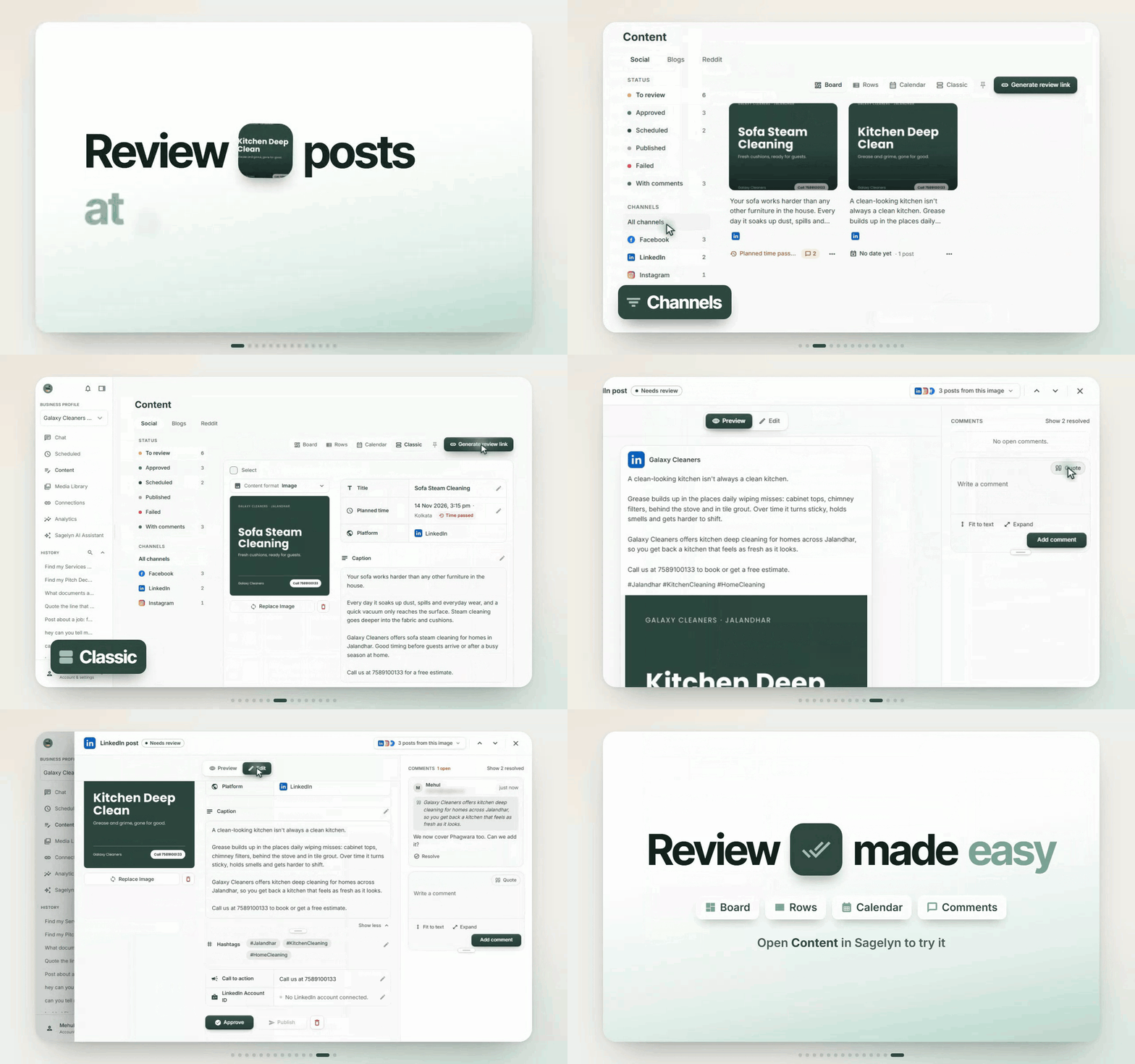
Want a change? Just say it in chat, and the post updates.
Happy with your posts? Say schedule themand it's done. No more setting dates one by one. It picks the best time for each post from what has worked for your own past posts.
Your whole week of posts, now at a glance New
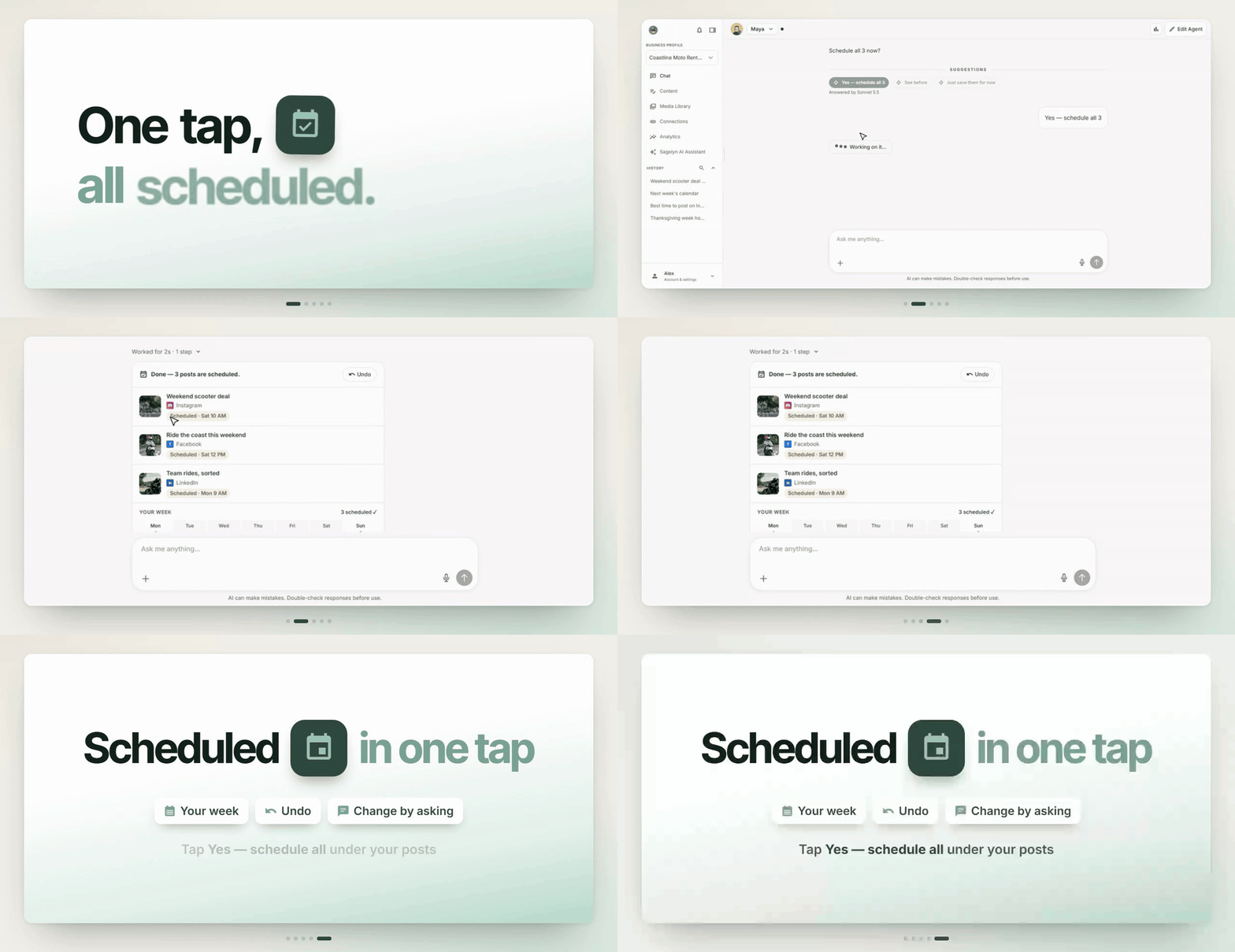
Ask your AI Social Media Manager What's going out this week?and see your week on a simple calendar: what's scheduled, what's already posted, and what's still waiting for you.
Want to look them over properly? Tap Email me these for review and get them all in your inbox.

Get your client's OK on your posts in one email New
Once your posts are scheduled, ask your AI Social Media Manager to email them to your client.
Your client sees every post in one simple email, ready to check.

Start every week knowing how people find you New
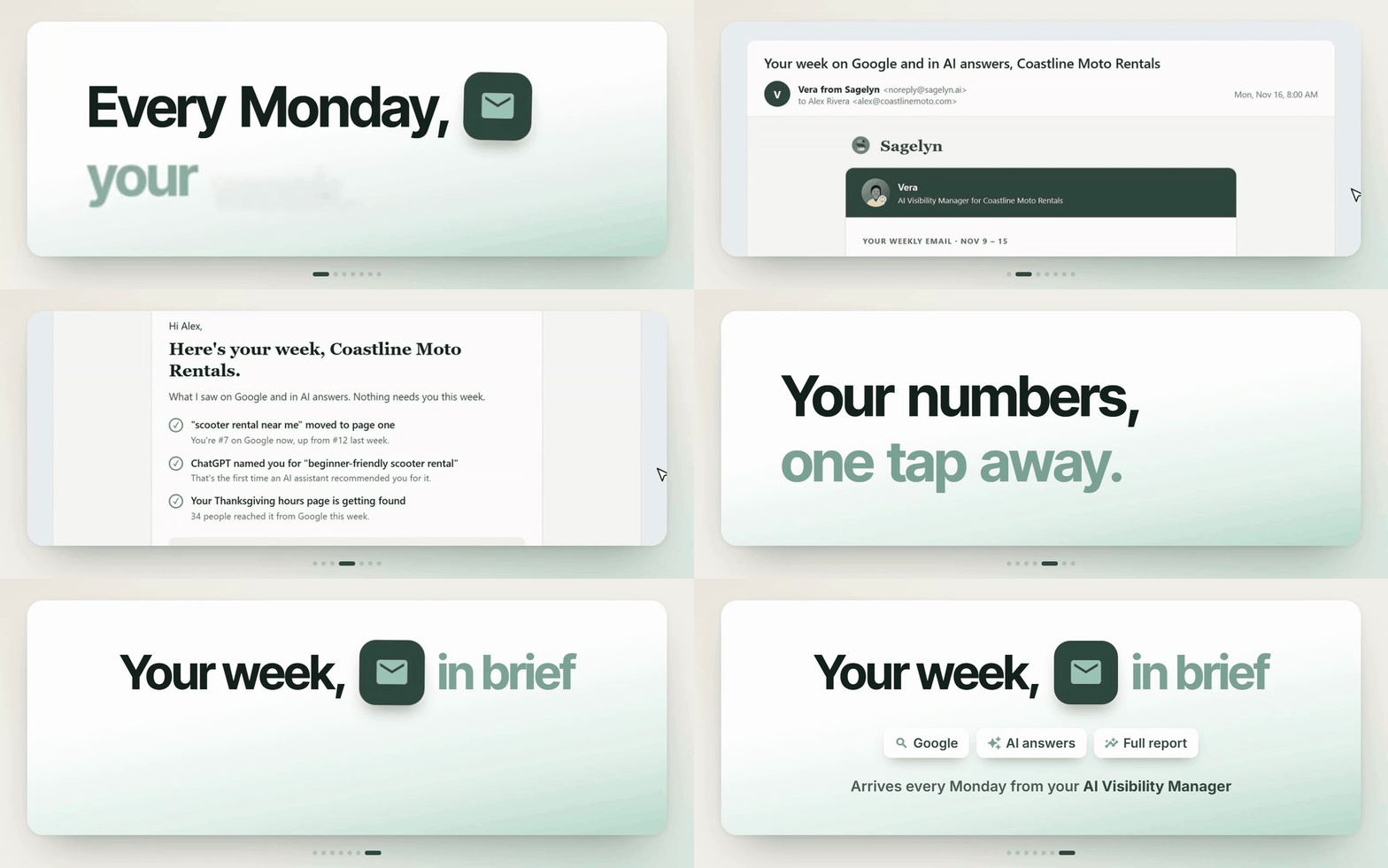
On Sagelyn Pro, every Monday your AI Visibility Manager emails you how people found you on Google and in AI answers.
Twice a month, a check-up email shows where you stand in AI answers and the first thing to fix.
Your first few are free. Want them to keep coming? Just tell your AI Visibility Manager.
Upload Word, Excel and PowerPoint files New
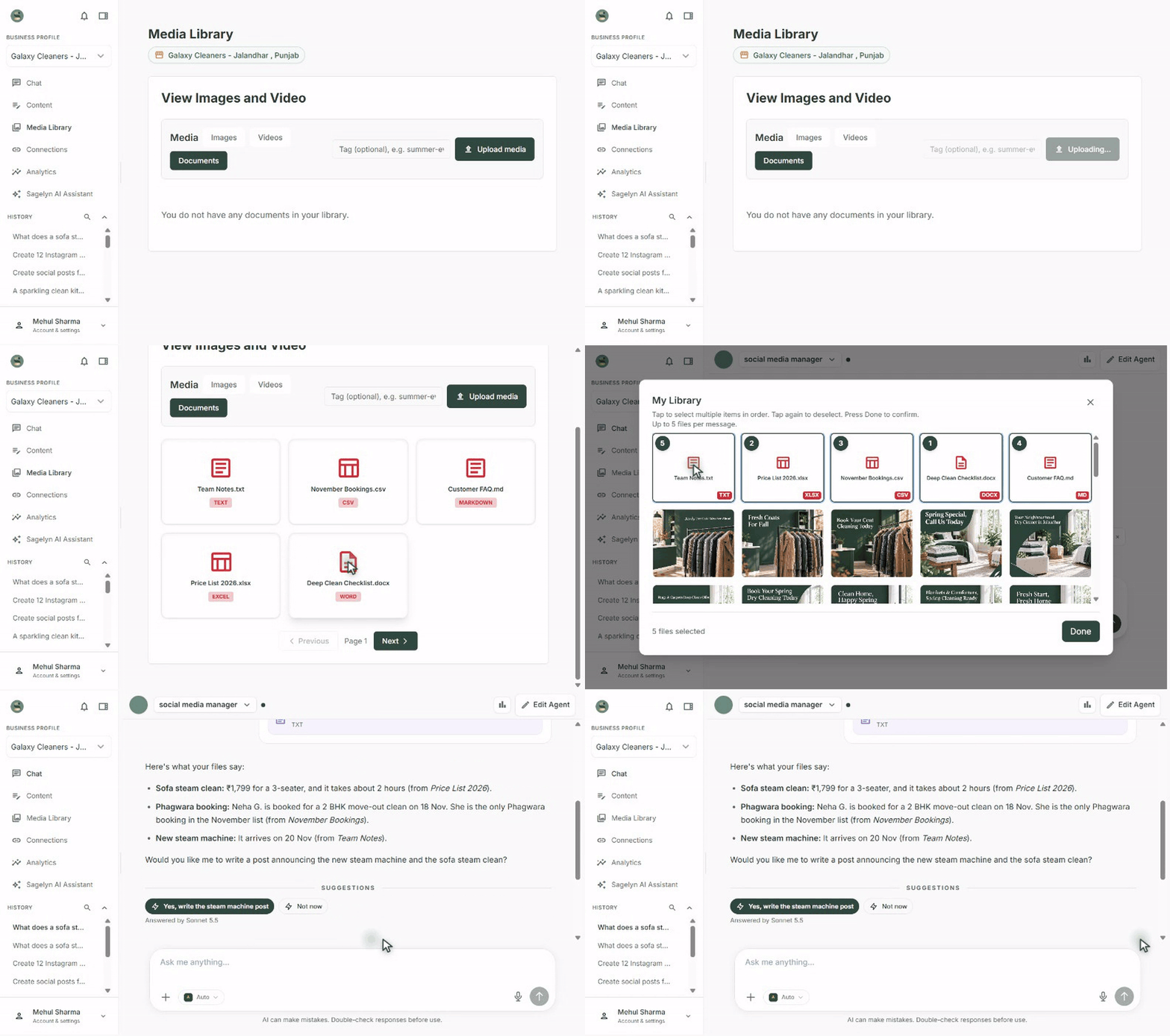
Your Media Library now accepts Word, Excel, PowerPoint and text files, not just PDFs.
Share any of them in chat, and your AI employee reads it and answers from it.
Make and edit presentations just by asking New
Ask your AI Social Media Manager for a presentation, and get a PowerPoint in your brand colours that you can edit.
Need a change? Ask any AI employee, like change the title on slide 3. It shows you the change, and once you say yes, saves a new version and keeps the original.