
20 November 2026
release 11-20-26Instagram photo posts that go out as a Reel with music, Routines that give your AI employees regular jobs, like a weekly competitor watch, your CompanyCam job photos in your Media Library on their own, a clear choice of which LinkedIn a post goes to, search your Media Library by tag, Reddit questions that are back in your Content page, and your whole Media Library when you make a video.
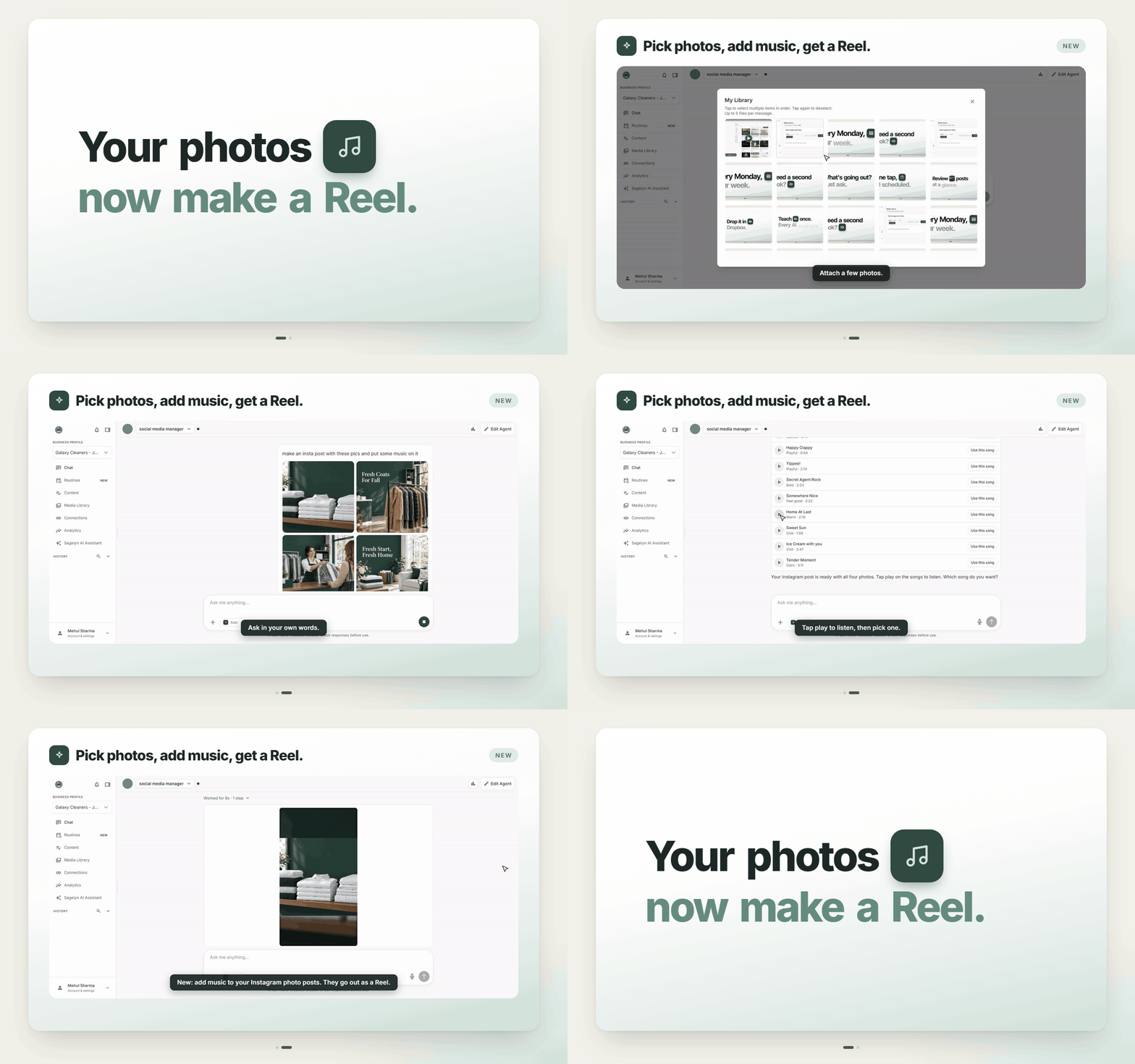
Turn your Instagram photos into a Reel with music New
Pick one photo or more from your Media Library, ask your AI Social Media Manager for a post with music, and get a short Reel.
Choose the music right in chat, play it, and watch the Reel before anything goes out.
Routines: give your AI employees regular jobs New
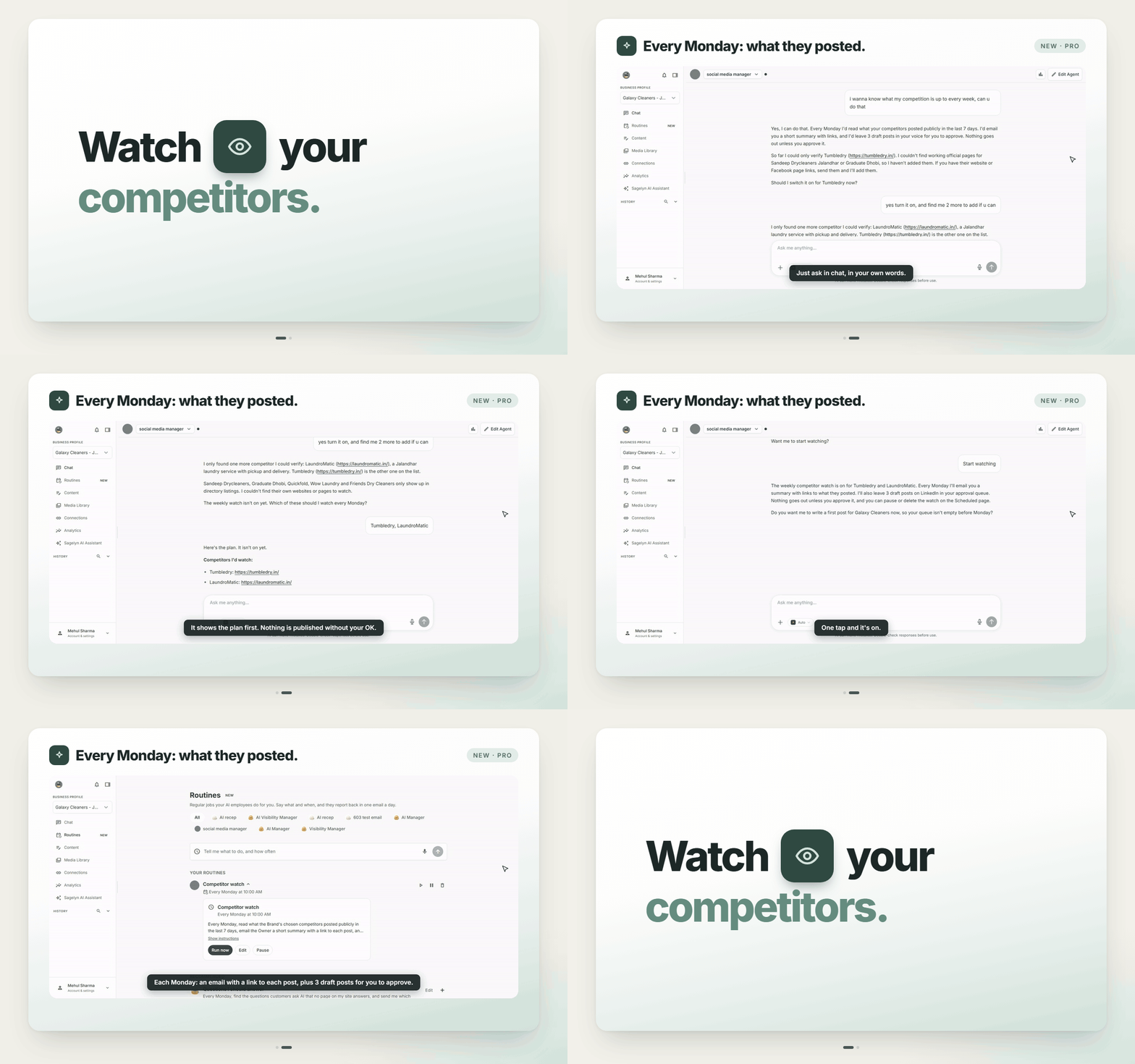
Ask once, and it keeps happening. Tell your AI employee what to do and how often (every day, every Tuesday, the 1st of each month), and it does the job and emails you the results.
Example: on Sagelyn Pro, say I want to know what my competition is up to and pick who to watch. When a competitor posts something new, like a blog post, a video or a LinkedIn post, you hear about it on Monday, with what changed, why it matters and 3 post ideas to answer it, waiting for your approval.
See, run, pause or delete every routine on the new Routines page. To change one, just ask in chat.
Your CompanyCam photos, in your Media Library New
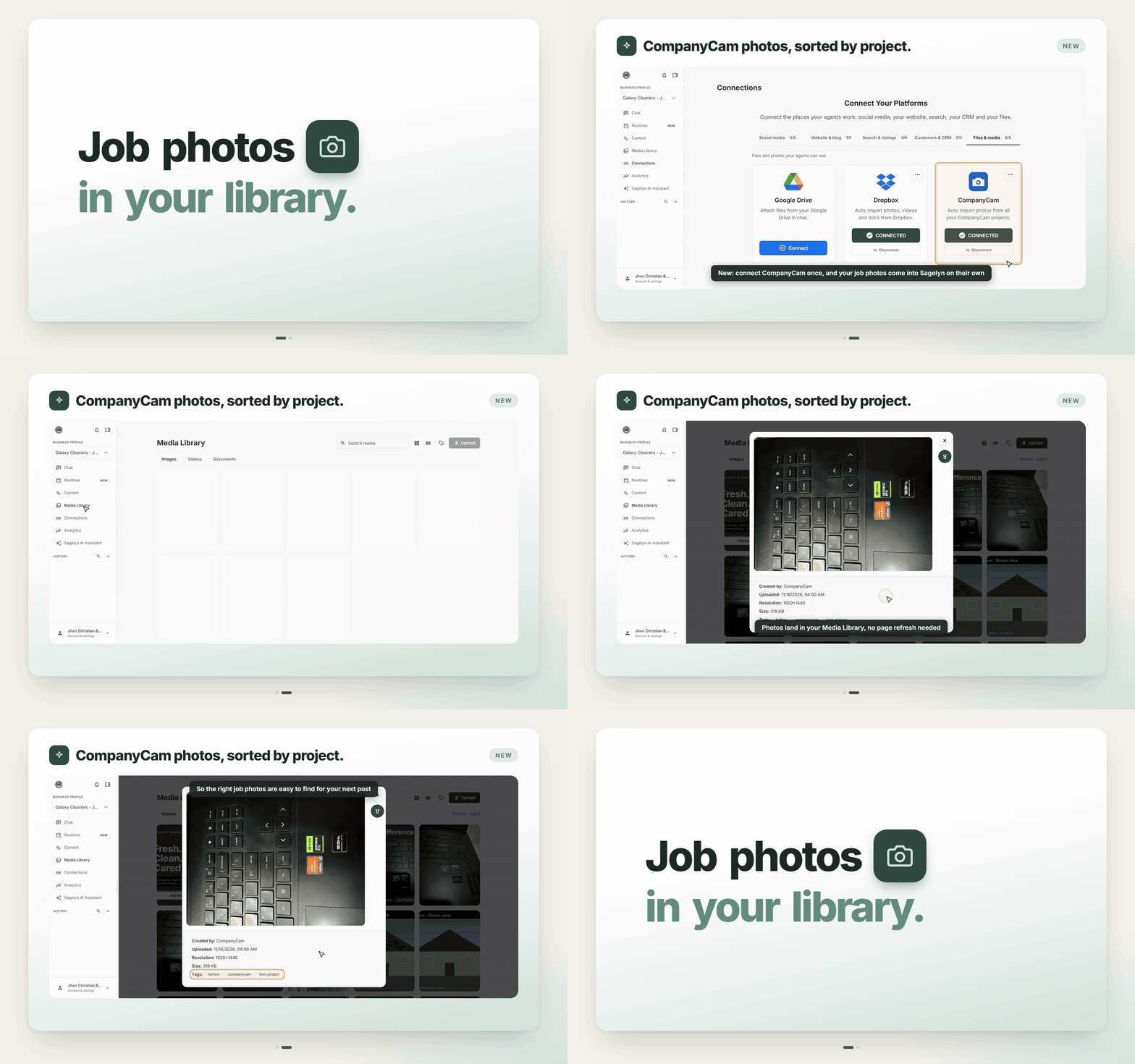
On Sagelyn Pro, connect CompanyCam and every new job photo lands in your Media Library on its own, tagged with its project.
Bring in the last 30 days' photos too. No more downloading and re-uploading.
Always know which LinkedIn your post goes to Improved
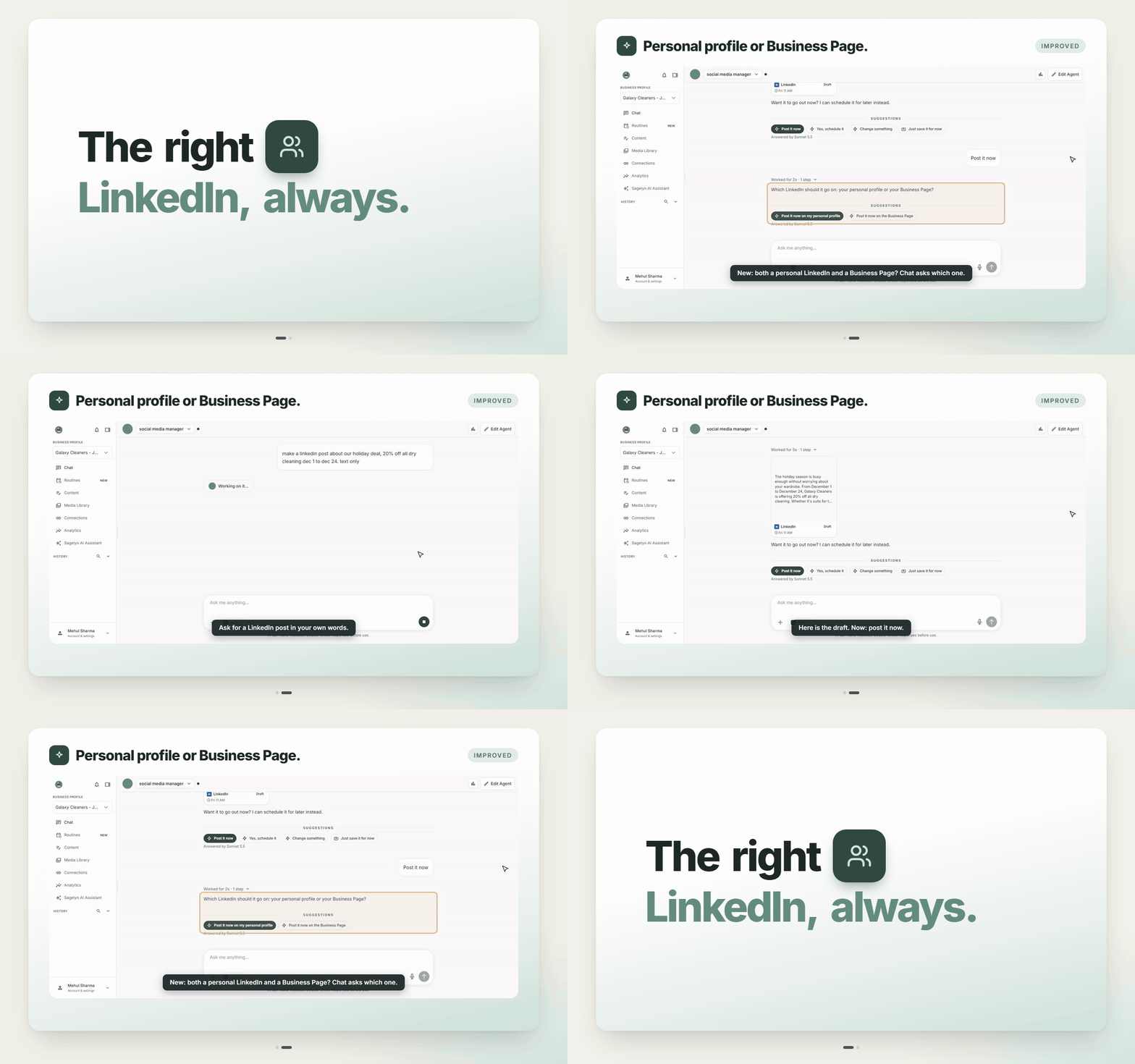
Every LinkedIn post now shows which account it goes on.
If you have both a personal profile and a Business Page connected, your AI Social Media Manager asks which one first. Nothing goes out until you pick.
Find files in your Media Library by tag Improved
Type a tag in the Media Library search, like summer-event, and you get every file with that tag, across your whole library, not just the page you are on.
Right after you upload, you can tag the new files in one go. You can also add or remove tags on any file from its preview.
Reddit questions are back Fixed
The Reddit tab is finding questions again. It brings you questions people are asking that fit your brand, so you can reply with a helpful answer.
If Reddit can't be reached, it tells you clearly, and your saved questions stay put.
Your whole Media Library when you make a video Fixed
When you pick images for a video, your whole Media Library now shows, not just the first two pages.
Saved video posts also get a real title instead of just “Video”.